✦ Built into RepliMap
RepliCat AI Assistant
RepliCat AI Assistant is built into RepliMap. Ask RepliCat AI Assistant about RepliMap, about the map you have open, or ask it to make the change for you.
Reads your live map Shows changes before applying Every change is undoable
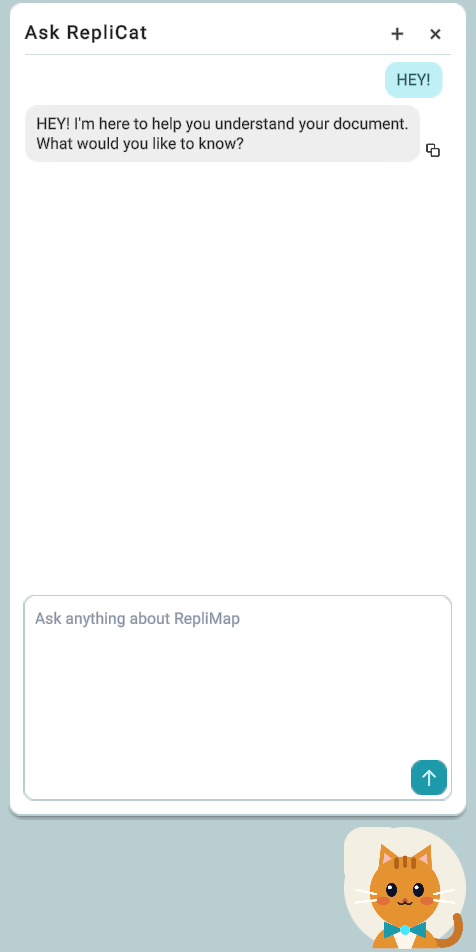
Ask About RepliMap
- Understand how a tool works.
- Find where a tool or feature is located.
- Find the relevant information in the RepliMap manual.
- Navigate directly to the corresponding panel or tool in RepliMap.
Try asking: "Where is the Lane Height tool?"
Ask About Your Map
- Number of roads and junctions.
- Total road length.
- Details about a specific road, junction, object, signal, or controller.
- Road elevation and point elevation.
- Roads with missing or invalid data, such as missing lanes, missing elevation, or zero length.
- Current selection and active tool.
- Available objects, signs, and traffic lights.
Try asking: "How many junctions does this map have?"
Ask RepliCat AI Assistant to Make Changes
RepliCat AI Assistant can perform supported map-editing actions, such as:
- Add, delete, or rename roads.
- Add, remove, or resize lanes.
- Change lane markings.
- Add or adjust objects, signs, and traffic lights.
- Create and configure signal controllers.
- Flatten, smoothen, or equalize junctions.
- Adjust junction height.
- Select or frame a road.
- Switch to a different tool.
Before applying a map change, RepliCat AI Assistant shows the proposed change to the user. The change is applied only after the user accepts it. The accepted change can be undone as a single step.
Navigate to Panels and Tools
RepliCat AI Assistant can open the relevant panel or tool based on the user's request. Examples include:
| User Request / Intent | RepliCat AI Assistant Action |
|---|---|
| Import a map | Opens the Import Map panel |
| Import GeoJSON data | Opens the Import GeoJSON panel |
| Use Mapbox | Opens the Mapbox panel |
| Import sensor data | Opens the Import Sensor Data panel |
| Add or manage objects | Opens the Objects / Painting panel |
| Add or manage repeatable objects | Opens the Repeatable Objects panel |
| View or find junctions | Opens the Junction List |
| Add or manage stop lines | Opens the Stop Lines panel |
| Export a map | Opens the Export Map panel |
| Find information about a RepliMap feature | Opens the relevant section of the Full Manual |
| Access the complete documentation | Opens the Full Manual |