Link
The Link tool connects multiple traffic signs and traffic signals to a single pole. It links the items without changing their position, allowing you to manually adjust their placement and Z-offset after linking.
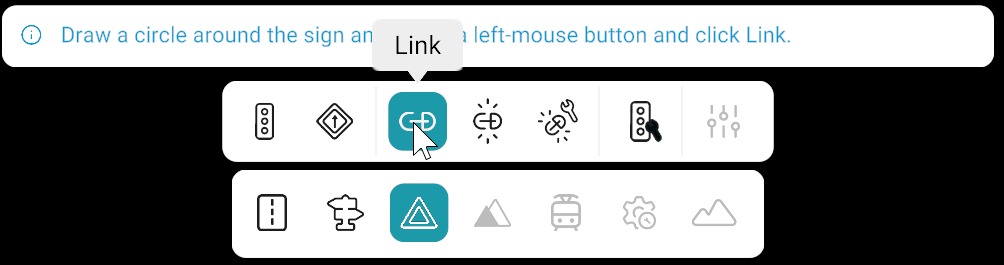
How to Use Link
Follow these steps to link signs and signals to a pole:
- Activate the Link tool in the Signal bar.
- Draw a circular selection around the pole and all signs and signals you want to link.
- Click Link from Right side panel.
The selected signs and signals are linked to the pole.
After Linking
Adjust position and Z-offset for each linked sign or signal so they sit correctly on the pole. RepliMap does not snap or align them for you when you use Link alone.