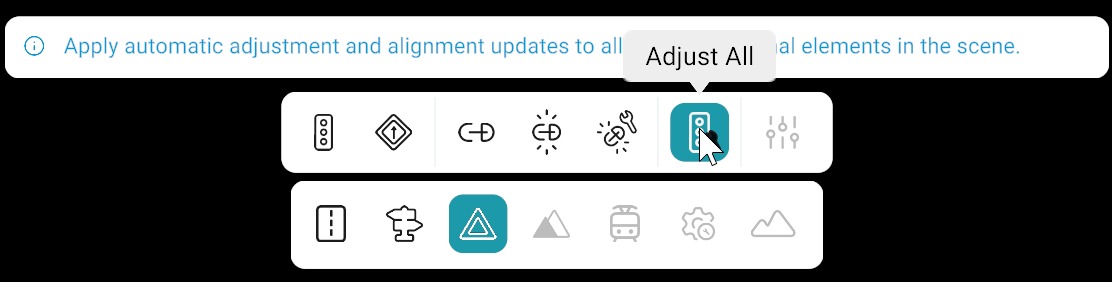
Adjust All
Adjust all lets you adjust the vertical position of Traffic Signs and Lights across the whole map in one action, instead of editing each instance separately.
How to Use Adjust All
Follow these steps:
- Click on Signals tool and open the Signal bar.
- Left-click on Adjust all from signal bar.
RepliMap applies the vertical adjustment to every sign and signal on the map at once.